Is Check Writer 123 just basic check software?+
No. It is full-featured check printing software. You can print on blank check stock, pre-printed check stock or plain paper, and it includes batch printing, multiple bank accounts, saved vendors and employees, your logo and signature (Mid Tier and Unlimited), invoice lines on the stub, attachments, printed voided checks and a searchable register with CSV export. It is also designed so a beginner can start printing right after signing up.
Can I track which checks have cleared my bank?+
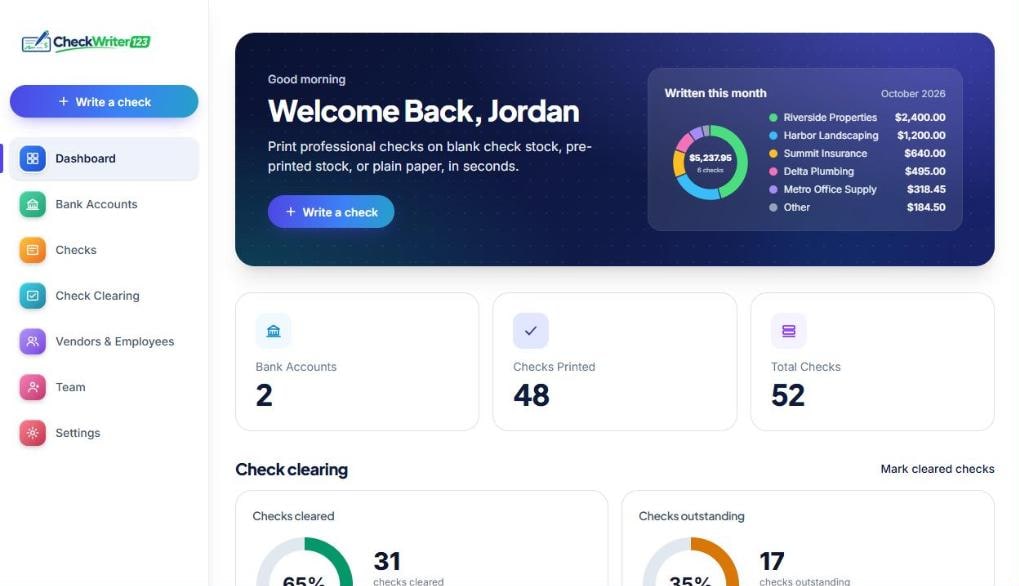
Yes. The Check Clearing page lists every check you have printed. When one shows up on your bank statement, tick its box to mark it cleared. Two charts show how many checks and how many dollars have cleared and how many are still outstanding, so you know what is still to come out of your account.
Is it a good option if I don't need full payroll software?+
Yes. If you only need to pay people and vendors by check, Check Writer 123 prints the checks and keeps a record of each one without a payroll suite. It does not calculate wages or taxes, so keep using your accountant or payroll provider for that and print the checks here.
How can I save money on paper checks?+
Instead of ordering expensive pre-printed checks, you print each check on your own printer, on blank check stock, pre-printed stock or plain paper, and only use what you need. Plans start at $5.99 a month with no per-check fee. What you save depends on how many checks you write and what you pay now.
I'm new to this. How quickly can I start printing?+
Your 14-day free trial starts as soon as you sign up and add a card (nothing is charged until day 14, and the Free plan needs no card). Add your bank account, write a check and print. Setup takes about ten minutes, and a free Test Print lets you check alignment on plain paper before you use real check stock. No accounting or check-printing experience is needed.
Who uses Check Writer 123?+
Anyone who needs to print a check: small business owners, landlords, property managers, contractors, bookkeepers and accountants, churches, nonprofits, home-service businesses, daycares, law firms, restaurants, retail stores, freelancers, and individuals paying rent or bills.
Is it legal to print my own checks?+
Yes — printing your own checks is fully legal in the US. All a check legally needs is the payee, the amount, the date, your signature, and a correctly formatted MICR line — Check Writer 123 generates all of it automatically on blank check stock.
Do I need special check paper?+
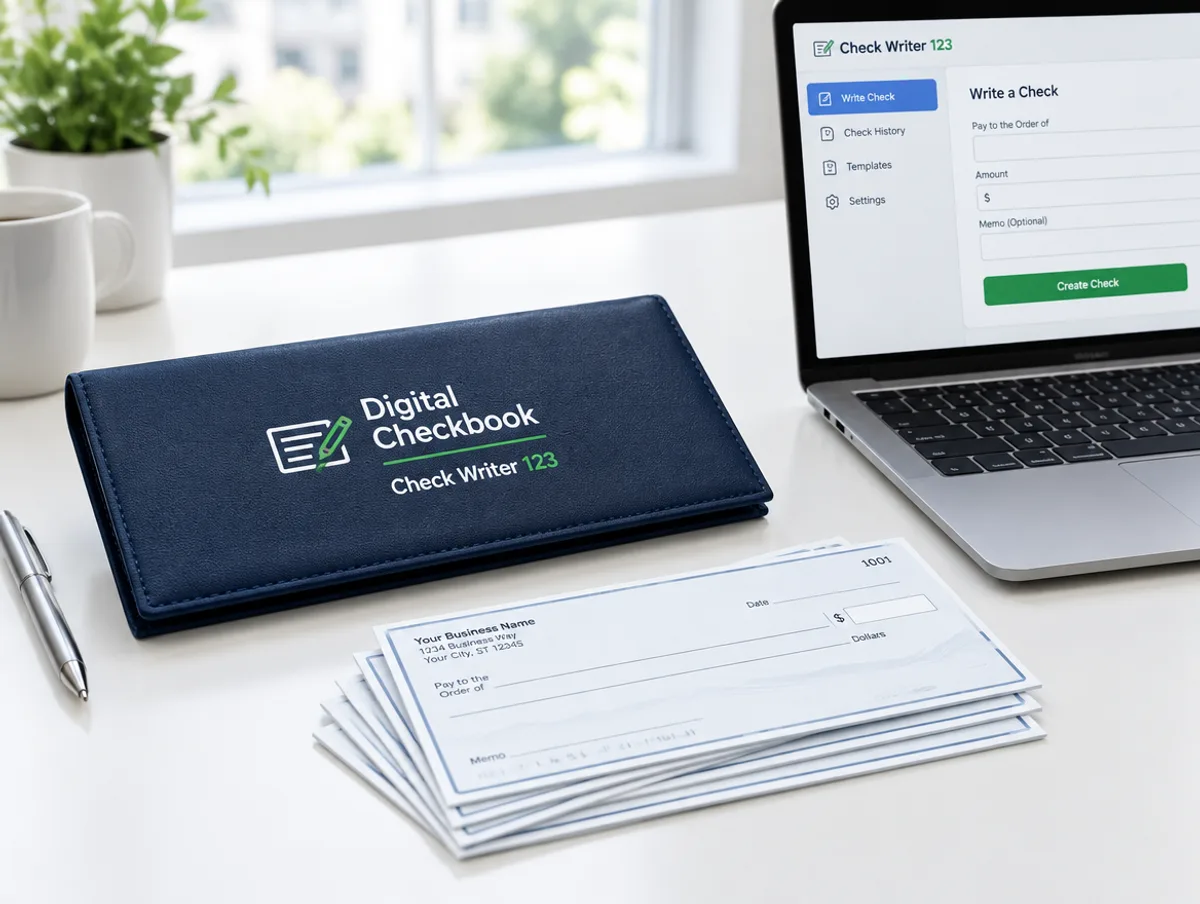
You can print on blank check stock: no expensive pre-printed checks to order, and we print every field, including the bank number line (MICR), positioned to line up. Check Writer 123 also supports pre-printed check stock, where only the date, payee, amount, memo and signature are printed, and plain letter-size paper.
What printer do I need?+
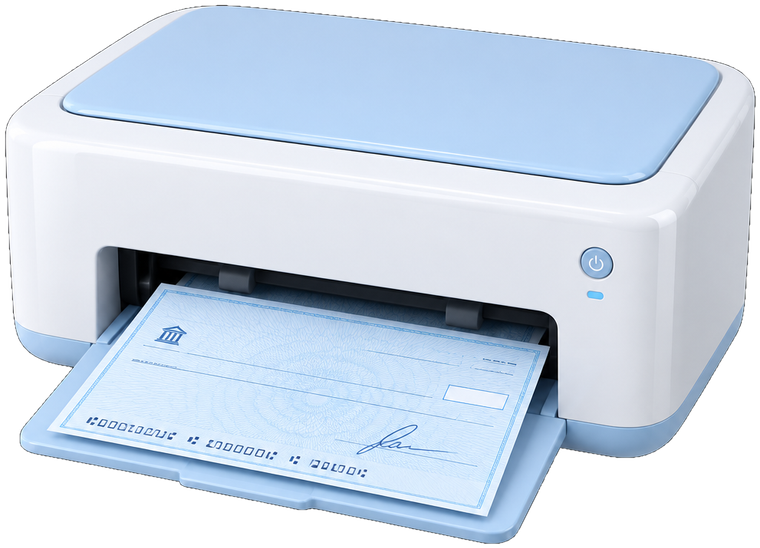
Any standard inkjet or laser printer works. There's no special hardware, ink, or driver to install.
Can I manage more than one bank account?+
Yes. Check Writer 123 supports multiple bank accounts: 2 on the Occasional plan, 4 on Mid Tier and unlimited on the Unlimited plan. That is useful if you run multiple businesses or manage checking for clients.
Is my bank account information safe?+
Yes. Your account is protected by secure sign-in (including Google sign-in), and your data is stored securely in the cloud with automatic backups. We never share your banking information with third parties.
Do I need a credit card to try it?+
No. The 14-day free trial starts as soon as you sign up, pick a plan and add a card. Nothing is charged for 14 days, and we email you three days before the first charge. If it is not for you, cancel in Settings before day 14 and you owe nothing. You can also skip the card and use the Free plan, which has 5 checks a month.
Is there a contract or commitment?+
No. Create your account and try it for real — there's no commitment. Cancel any time, straight from your dashboard.